ROG Ally X
8.5Great
Best for power. Every PC and Xbox release at full quality, on the go.
- from
- $799
- weight
- 678 g
Steam Deck OLED vs ROG Ally X vs Nintendo Switch 2. The honest 2026 buyer’s guide that routes you to the right handheld for your use case, not the loudest spec sheet.
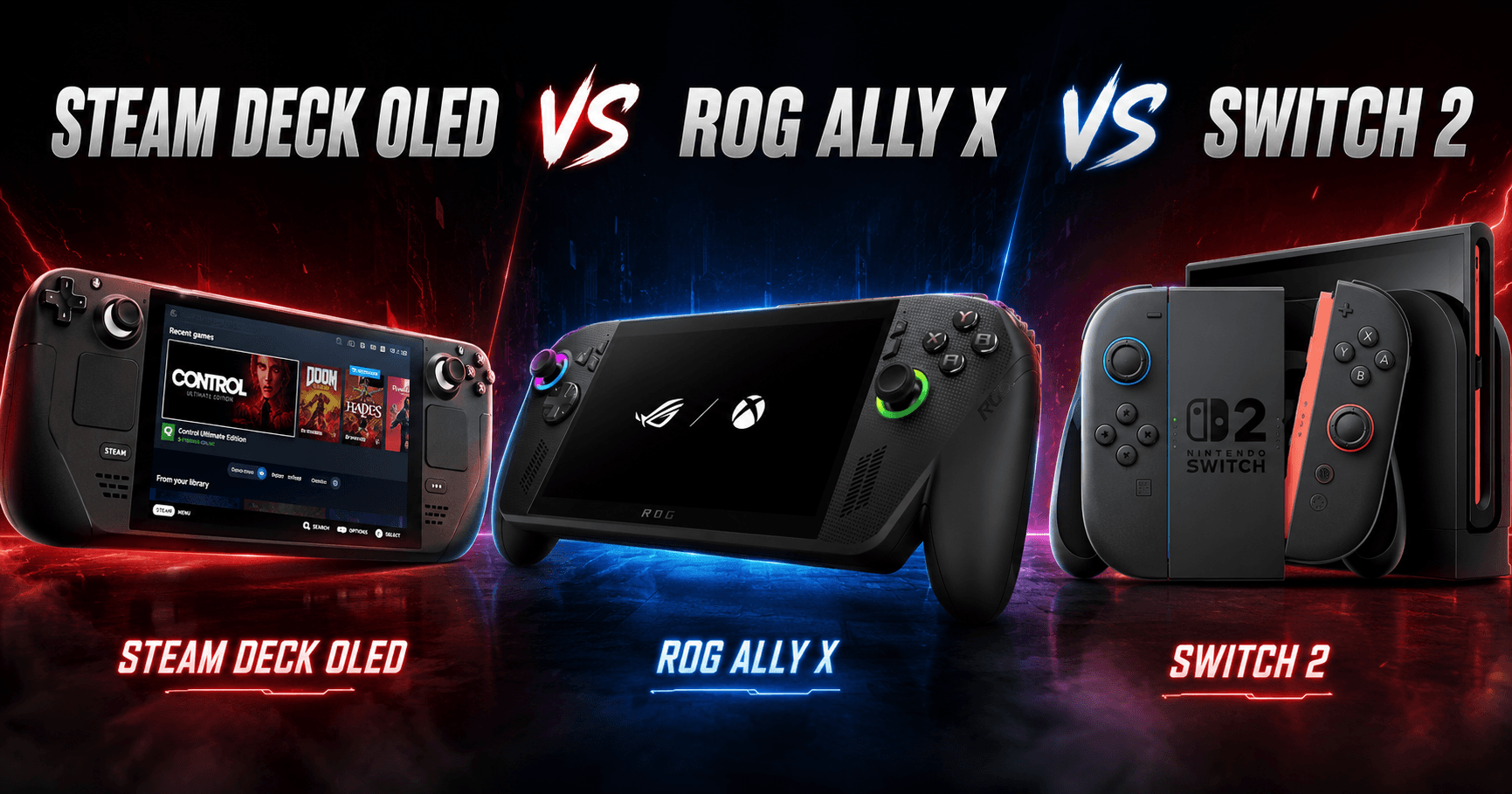
Three handhelds are sitting on a table. You have to pick one for a two-hour train commute, a shared family room, and a long weekend away, all at once. You cannot. That is the real answer to the question “which handheld should I buy?” and the rest of this guide is about finding out which one fits your actual situation. There is no universal best handheld in 2026, only the right device for each use case. The Steam Deck OLED, the ROG Ally X, and the Nintendo Switch 2 each win a different argument. This guide surfaces those differences and routes you to the right answer, not the flashiest one.
8.5Great
Best for power. Every PC and Xbox release at full quality, on the go.
9.2Excellent
Best overall. Switch-style pick-up-and-go with a real PC library.
8.9Great
Best for families. One device the whole household actually uses.
Before getting into use cases, here are the headline numbers. For a deeper look at any single device, read the full reviews: Nintendo Switch 2, Steam Deck OLED, and ROG Ally X.
| Steam Deck OLED | ROG Ally X | Nintendo Switch 2 | |
|---|---|---|---|
| Price | £479 to £569/$549 to $649 | £799/$799 | £395.99/$449.99 |
| Weight | 640 g | 678 g | 534 g with Joy-Con |
| Screen | 7.4-inch OLED, 90 Hz | 7-inch IPS LCD, 120 Hz | 7.9-inch LCD, 120 Hz VRR, HDR10 |
| Battery (real-world) | We recorded between 3.5 and 5 hours at a moderate TDP | We recorded between 2 and 3.5 hours under load | 2 to 6.5 hours depending on game |
| Performance ceiling | AMD RDNA 2, around 1.6 TFLOPS | AMD RDNA 3, up to 8.6 TFLOPS | NVIDIA Ampere, around 3 TFLOPS docked |
| OS | SteamOS (Linux) | Windows 11 | Nintendo proprietary OS |
| Library | Steam (60,000+ titles) | Full PC (Steam, Epic, Xbox, Game Pass) | Nintendo Switch 1 and 2 titles |
| Built for | Steam library owners who want to tune | Maximum portable performance on Windows | Family play, Nintendo first-party, travel |
The spec sheet is not the question. The question is: what job do you need this device to do? Handheld gaming covers a range of actual situations that lead to completely different answers, and conflating them is how buyers end up disappointed.
If your job is travel companion, battery life, weight, and suspend/resume reliability matter more than peak frame rate. A device that lasts four hours and wakes instantly is more useful on an aeroplane than one that benchmarks higher but runs for ninety minutes. If your job is family room device, the game library and parental controls matter more than any TDP setting. If your job is fidelity-first gaming when the TV is busy, the performance ceiling matters most. These are different devices even when they share the same form factor. The right answer changes with your use case.
The Steam Deck OLED is the device for someone who already has a Steam library and wants to play it away from the desk. SteamOS is a curated experience built around controller input and game launching, and it does that job with less friction than any Windows handheld here. The OLED panel is the best screen in this comparison: deeper blacks, richer contrast, and a 90 Hz refresh rate that pairs cleanly with 40 fps targets, where the panel’s native frame-rate multiples give smoother pacing than the 30 fps or 60 fps targets you would take on a 120 Hz LCD.

The trade is performance ceiling. At around 1.6 TFLOPS, the Deck sits well below the Ally X for raw compute. Modern AAA titles released in the last twelve months often need significant settings reductions to run acceptably. Most games in a typical Steam library run well: indie titles, older AAA games, and anything designed with handheld in mind. The ceiling matters most for very recent releases at high settings, and if that is your primary use, the Ally X is the more honest answer. At a tuned 10W TDP we recorded between four and five hours, enough to cover a return train journey. The device is also repairable: the SSD is user-replaceable, the battery is user-serviceable, and the official parts programme means this is not disposable hardware.
The ROG Ally X is built for one thing: maximum portable performance. Its AMD RDNA 3 GPU delivers up to 8.6 TFLOPS, roughly five times the Deck’s raw compute. That translates to genuine differences in demanding titles, where the Ally X can run games at settings the other two handhelds cannot match. It also runs full Windows 11, which means Game Pass, the Epic Games Store, and any launcher that runs on a Windows PC all work without workarounds. For someone whose library is spread across Xbox Game Pass, Epic exclusives, and Steam, the Ally X is the only handheld here that handles all of it natively.

The cost of that ceiling is real. At £799/$799, it is £320 more than the top-spec Deck and £400 more than the Switch 2. Under load we recorded between two and three and a half hours, making it a desk-to-sofa device more than a long-haul travel companion. Windows on a handheld is functional but not seamless: launcher juggling, occasional update prompts mid-session, and less consistent suspend/resume behaviour compared to SteamOS add friction that buyers should factor in. The broader portable gaming landscape in 2026 has options at every price point, and the Ally X occupies the top end with no real competition on performance, but no concessions on cost either.
The Switch 2 is the easiest sell in the group for a specific buyer, and a genuinely poor fit for another. The easy sell is the family room: one device that works for a seven-year-old and for late-night sessions after the children are in bed. The Switch ecosystem has no peer for accessible first-party software. Mario Kart World, Zelda, Metroid, Donkey Kong, and a catalogue of indie titles designed for cosy and creative play are exclusive to this platform. The best Switch 2 games in 2026 cover that ground more thoroughly than anything available on the other two platforms combined.

The Switch 2 also handles third-party titles better than any previous Nintendo console, with Cyberpunk 2077 and Street Fighter 6 running in usable shape thanks to DLSS at hardware level. These games target 30 fps in handheld mode, which is a real difference compared to what the Ally X can do with the same titles, and the 7.9-inch LCD screen loses contrast in dim conditions compared to the Deck’s OLED panel. First-party game pricing is the recurring friction point: Nintendo’s major releases launch at £69.99 / $79.99, which is above the standard for comparable titles on other platforms. For the full hardware breakdown, the Switch 2 review covers performance across a range of titles in depth.
| Category | Winner | Why |
|---|---|---|
| Best for travel | Switch 2 | Lightest at 534 g, up to 6.5 hours on lighter titles, instant sleep and wake, Joy-Con splits for two-player without extra hardware |
| Best for AAA fidelity | ROG Ally X | RDNA 3 at up to 8.6 TFLOPS runs demanding games at settings the other two cannot reach |
| Best for indies | Steam Deck OLED | 60,000-title Steam library with deep sale pricing; OLED screen makes pixel-art and stylised titles look sharp |
| Best for kids / family | Switch 2 | Nintendo first-party library, parental controls, accessible co-op, backwards compatibility with Switch 1 catalogue |
| Best for value | Steam Deck OLED | £479 to £569 entry, Steam sales routinely bring games under £5, strong resale market |
| Best for tinkering | Steam Deck OLED | Decky Loader, per-game TDP profiles, CryoUtilities, user-replaceable SSD and battery |
| Best for first-party games | Switch 2 | Only device with access to Nintendo’s exclusive library |
| Best for battery | Switch 2 | Up to 6.5 hours on lighter titles; in our testing the Deck reached around 5 hours tuned and the Ally X stayed under 3.5 hours under load |
| Best for build quality | ROG Ally X | All-metal chassis, premium trigger action, the most rigid construction in the group |
The sticker price is only the first number. Each device carries costs that change the economic picture over twelve months, and comparing them on hardware price alone is misleading.
The Switch 2’s recurring cost is software. Nintendo first-party titles launch at £69.99/$79.99. A household buying four titles a year is looking at £280 to £320 in software before the end of year one. Add a microSD Express card: the Switch 2 requires the Express standard for full-speed storage expansion, and those cards command a significant premium over standard microSD. A 512 GB card currently sits around £60 to £80. The console plus Mario Kart World bundle at £429.99 makes sense as a first purchase, but the ongoing software cost is the highest in this comparison.
The Steam Deck’s hidden cost is accessories. A dock or USB-C hub for TV play adds £50 to £80. A carry case is near-mandatory given the device’s footprint. Total first-year ownership lands around £100 to £150 above the hardware price for a typical setup. The payoff is Steam’s pricing model: sales routinely bring full-catalogue games to under £5, and a £100 Steam credit covers a library that would cost several hundred pounds on other platforms. The ROG Ally X’s recurring cost is Game Pass if you use Xbox titles (£14.99/$19.99 per month), plus third-party dock solutions that lack an official first-party equivalent. The best PC gaming accessories for 2026 covers docks and peripherals that pair well with Windows handhelds if you go that route.
Every device ships with a default configuration that is not the best configuration for sustained handheld use. These are the first settings to change after setup.
Switch 2: Open System Settings, then Display, and lock handheld output to 1080p / 60 Hz. The panel supports 120 Hz VRR, but almost no current game reaches it in handheld mode. Leaving the setting at maximum means the GPU hunts for a ceiling it cannot hit. Locking to 60 Hz extends battery by 15 to 20 minutes per session. Nintendo does not surface this setting prominently, and most buyers never find it.
Steam Deck OLED: Install Decky Loader and the PowerTools plugin. PowerTools lets you set per-game TDP profiles: cap demanding games at 10W for sustained battery and cool thermals, bump to 15W for titles that need the headroom. Set the frame rate limit to 40 fps in the Quick Access Menu for titles that struggle at 60 fps. The OLED panel’s 90 Hz refresh rate divides cleanly into 45 Hz, so 40 fps targets feel smoother here than on a 60 Hz or 120 Hz screen. Without PowerTools, you are leaving significant battery life and thermal performance on the table for every game you play.
ROG Ally X: Open Armoury Crate and switch from default Performance mode to Manual mode. Set CPU TDP to 17W and GPU TDP to 13W. The default Performance mode allocates power without granular GPU control, and the GPU runs hot on demanding titles and triggers thermal throttling before the CPU needs it. The 17W / 13W split holds sustained frame delivery better across sessions longer than twenty minutes. Frame time variance drops noticeably, and the fans run at lower RPM because the thermals are more predictable.
If you play exclusively at home on a large television, never travel, and have no shared gaming situation to manage, the honest answer is none of these. A PS5 or Xbox Series X delivers more performance, a more consistent living-room experience, and better first-party software pipelines for less than the Ally X’s asking price. Handhelds earn their place through portability and flexibility. If you are not using either property, you are paying a premium for capability you do not need. The full console comparison for 2026 covers that question by player type.
All three devices are good. None of them is the obvious choice for every buyer, and that is the correct conclusion. The decision rule has three branches.
If you want one device for the lounge and the train and you do not tinker, the Switch 2 is the right answer. It is the lightest, the most travel-friendly, has the most accessible library for shared play, and its battery life on lighter titles covers a full day of intermittent use. The first-party software has no peer. Accept the LCD screen, accept the software pricing, and buy the Mario Kart World bundle.
If you have an existing Steam library, value an OLED screen, and enjoy per-game tuning, the Steam Deck OLED is the right answer. The library is already there, the screen is the best in the category, and the OS gets out of your way. Accept the performance ceiling on very recent AAA releases, accept the accessory cost for TV play, and install Decky Loader on day one.
If you need maximum portable performance, are comfortable on Windows, and accept the cost, the ROG Ally X is the right answer. Nothing else in this form factor matches its compute ceiling. Accept the battery, accept the weight, accept the launcher friction, and switch to Manual mode in Armoury Crate before your first long session.
Which handheld is best for AAA games in 2026? The ROG Ally X runs the most demanding AAA titles at the highest settings of any handheld available in 2026, with RDNA 3 compute reaching up to 8.6 TFLOPS. The Steam Deck OLED handles most titles from the past few years at medium settings, typically targeting 30 to 40 fps with a tuned TDP. The Switch 2 runs the same titles at lower settings with DLSS assistance, usually at 30 fps. If your priority is recent AAA releases at the highest handheld fidelity, the Ally X is the device that earns that claim.
Which handheld has the best battery life? The Switch 2 leads for most real-world use: lighter titles and Switch 1 back-catalogue games deliver up to 6.5 hours per charge, and demanding third-party titles typically clear two hours. In our testing the Steam Deck OLED reached between four and five hours at a tuned 10W TDP. The ROG Ally X recorded between two and three and a half hours under load. Plan around the lower figure, not the upper one printed on the box, and the Switch 2 wins that comparison for travel use.
Is the Switch 2 a real handheld PC competitor? The Switch 2 runs demanding third-party titles at 30 fps with DLSS upscaling, putting it in the same conversation as handheld PCs for a number of games. The comparison has limits: it runs a closed Nintendo OS rather than Windows, cannot access PC launchers or Game Pass via the Xbox app, and does not support user-level TDP tuning. For the titles it supports it competes well on portability and battery; for breadth of the PC library and configuration depth, it does not.
Can the Steam Deck OLED play Windows games? The Steam Deck OLED plays Windows games through Proton, Valve’s compatibility layer built into SteamOS. The majority of the Steam catalogue now runs under Proton, including most major recent releases. Some titles with anti-cheat systems that do not support Linux still do not run. Windows can also be installed on the Deck if full Windows compatibility is required, but that removes SteamOS features including reliable sleep-and-resume. For most Steam libraries, Proton covers the vast majority of titles without any manual configuration.
Is the ROG Ally X worth £400 more than the Steam Deck OLED? The ROG Ally X justifies that premium for a buyer who needs full Windows compatibility and plays games that genuinely benefit from RDNA 3’s higher compute ceiling. For a buyer whose library is primarily Steam titles from the past several years, which run well under Proton, the premium does not return equal value in daily use. The performance gap is real on the most demanding titles; whether that gap matters depends on which specific games you are actually playing.
Which handheld is best for kids? The Switch 2 is the right answer for most families. Nintendo’s parental control system is comprehensive, the first-party library covers every age group, backwards compatibility with Switch 1 carries existing family libraries forward, and Joy-Con 2’s magnetic attachment is noticeably more durable for younger users than a physical rail. The Steam Deck and ROG Ally X are both adult-oriented devices with OS complexity and libraries weighted towards titles that are not designed for younger players.
Should I buy a handheld if I already own a PS5 or Xbox? A handheld is a complement to a home console, not a replacement. The case for adding one is specific: you travel regularly, you share a television, or you want a second gaming mode. The Steam Deck makes particular sense alongside a PS5 if you have a neglected Steam library. The Switch 2 makes sense alongside either if you want Nintendo exclusives and a portable the whole household can share. If you are choosing between a handheld and a home console entirely, read the full console guide for 2026.
What is the cheapest way into handheld gaming in 2026? The Nintendo Switch 2 at £395.99/$449.99 is the lowest-cost entry in this comparison, and the Mario Kart World bundle at £429.99 / $499.99 adds one of the strongest launch titles on any platform. The Steam Deck OLED starts at £479/$549 but carries lower long-term software costs through Steam’s pricing model, meaning total cost of ownership over twelve months can favour the Deck depending on how many games you buy. The ROG Ally X at £799/$799 is not a budget entry point for any buyer.