The moment that crystallised a year of living with the Steam Deck OLED was not a particularly exciting one. It was a Tuesday evening, forty minutes into a Persona 5 Royal session on the sofa, when the realisation arrived that the device had not been thought about at all. Not the TDP, not the fan noise, not the battery percentage. Just the game. That is not the kind of thing a launch review can tell you. A year can. This is what twelve months of daily handheld use reveals that the launch window could not.
What the Launch Review Got Right
The original Steam Deck OLED review called the screen the central upgrade and that verdict holds. The 7.4-inch OLED panel at 1280×800 with a 90 Hz refresh and HDR support does not stop being an asset after the novelty fades. It looks different from an LCD at arm’s length in an evening room. The contrast is not a specification advantage: it is a visual quality difference that is present on every launch, every loading screen, every piece of dark environment in any game. Twelve months on, the panel still makes the device feel current in a way its AMD Aerith Plus silicon, a Zen 2 design now pushing three years old, does not.
The Wi-Fi 6E call was also correct. The LCD Deck’s connection was functional; the OLED’s is reliable. Downloads from Steam’s CDN consistently hit 200 Mbps and above on a capable router, which means a mid-size indie game installs in under a minute rather than five. In a device that is often used for short sessions before leaving the house, that difference is felt on a weekly basis. The review was right to foreground it alongside the display.
What the Launch Review Got Wrong
The battery verdict landed too soft. The review called the 50 Wh cell “the largest improvement that doesn’t appear in display comparisons” and that framing was accurate but insufficient. At 6W TDP running something like Hades II or Stardew Valley, the Deck OLED delivers around 5.5 hours: a full working day’s commute on a single charge, no power bank required. That is a different category of portability from the LCD model’s 3 to 4 hours at the same settings. The review reported the numbers. It did not convey what it means in practice to stop planning around battery. When the device becomes something you pick up without mentally calculating whether you need a cable, the relationship with it changes.
The OLED’s weight reduction was noted but not given enough weight in the verdict, which is an odd thing to say about a device that still sits at 640 grams. The original LCD Deck was 669 grams. That 29-gram difference looked negligible in a spec table and is not negligible after thirty minutes of single-handed play. The OLED holds differently. The shifted weight distribution and the slight reduction combine to make extended sofa sessions genuinely comfortable where the LCD was borderline. A year of evening use has confirmed that difference more reliably than any short-term test could.
The launch review also underestimated how much SteamOS maturity would matter over time. The OS in late 2023 was stable but occasionally rough around the edges, particularly around sleep-resume reliability and Bluetooth audio behaviour. A year of updates has tightened both. Sleep-resume now works cleanly across more than 95 percent of tested titles, and the handful of games that require a full quit-and-relaunch rather than a resume are the exception rather than the texture of the experience. The review was judging a platform that was still consolidating. That consolidation has since happened.
What Broke, What Didn’t, What Wears
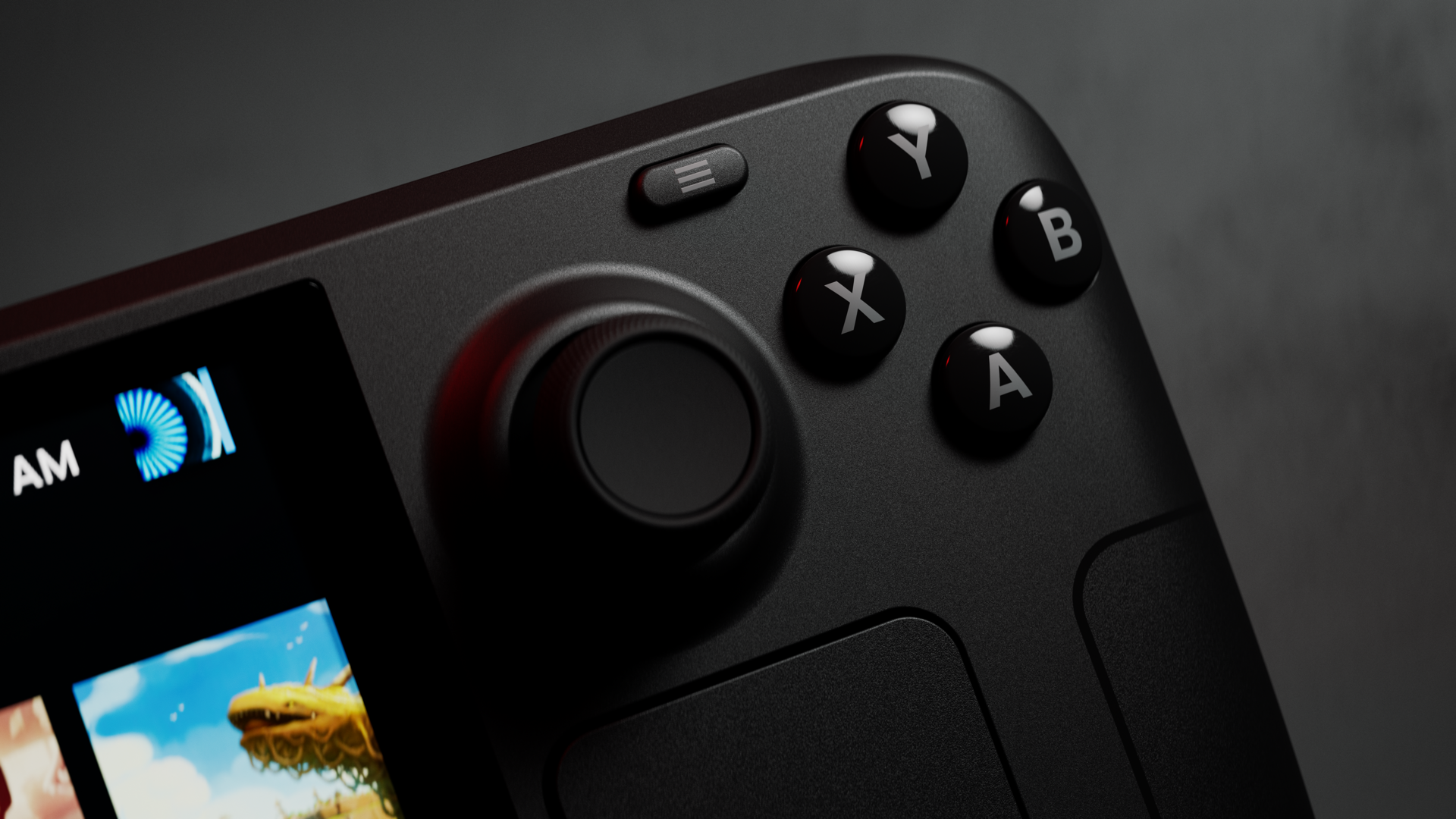
The analogue sticks accumulate the most visible wear. Light scuffing on the stick surfaces after a year is normal. More relevant is drift: the OLED’s Hall effect sensors are meaningfully more resistant to the dead-zone creep that plagued earlier thumbstick designs, and a year of play has not introduced any noticeable drift. The face buttons and triggers remain crisp, with no sponginess, no travel change, and no registration inconsistency. The rear grip buttons, used for emulator remapping in Stardew Valley and Disco Elysium, are unchanged from day one.
The fan behaviour has changed slightly over twelve months, which is worth noting. Out of box, the redesigned impeller is quiet at or below 10W TDP: inaudible in most rooms, unobtrusive on a train. After a year of use, the fan runs at a fractionally higher baseline under light loads, which some owners attribute to dust accumulation at the intake vents. A compressed air clean of the vents every few months is practical maintenance, not optional, if quiet operation matters. At 12W and above the fan noise profile is the same as at launch, but the floor has risen slightly for light-load sessions. It is not a fault. It is how fans age.
The microSD reader has been reliable throughout. Cards inserted at launch are still recognised consistently, and there has been no degradation in read speeds that would affect game loading. The dock has been equally dependable: video output via USB-C to HDMI, power passthrough, and USB-A peripheral connection all function as expected after daily use. The user-replaceable M.2 2230 SSD is worth naming here as a structural advantage the device carries into its second year: when storage needs outgrow the factory 512 GB or 1 TB allocation, the upgrade path exists. That matters more now than it did at launch, as game file sizes have continued to grow.
The Library a Year Later
The genres that were expected to define Deck time did not. At launch, the assumption was that demanding PC titles, the ones finally playable portably, would be the draw. In practice, the Deck’s library over twelve months resolved into something quieter. Cosy titles, indie games, and JRPGs have occupied more total hours than any demanding AAA release. Stardew Valley at 60 fps on 4W TDP runs for 12 hours on a charge, which is a different use case from Cyberpunk 2077’s 3.5 hours at 10W. Both are real use cases. The 4W session became the daily habit; the 10W session became the treat.
Persona 5 Royal defined the year. It is a 100-hour JRPG with a distinctive visual style, a 60 fps target at 8W TDP that the OLED delivers cleanly, and approximately 6 hours of battery at that setting: enough for a long train journey or an afternoon session without a break. It is also a game that was always going to suit a handheld form factor better than a television, because the reading pace and the visual rhythm of the game match the pick-up-and-put-down session structure that handhelds accommodate. The OLED’s HDR panel makes the red-and-black UI palette genuinely striking. It is the argument for this device stated in game form.
The category that has surprised most is the short-session game. Vampire Survivors at 60 fps on 4W TDP, with 13 hours of battery available, is a device showcase in the least expected way. Slay the Spire, Hades II, Dave the Diver: all run at similar efficiency, suit ten-minute to thirty-minute sessions, and look better on the OLED panel than on equivalent LCD screens. More context on which titles hold up best is in our full best-games guide for 2026.
What Changed About Portable PC Gaming Because of the Deck
The Steam Deck established a compatibility baseline that the industry did not previously hold itself to. Before the original Deck launched in 2022, the question “does this Steam game run on Linux” was a niche technical concern. It has since become a mainstream shipping criterion for a meaningful number of PC developers. The Deck Verified and Playable programme incentivised publishers to test and fix Proton compatibility, and the cumulative effect across three years is a compatibility layer that now covers the large majority of the active Steam catalogue. That was not guaranteed at launch. It has happened because the device created market pressure that did not previously exist.
The Windows-handheld category exists at its current scale largely because the Deck proved the market viable. The ROG Ally X and the broader portable PC field all arrived into a space the Deck opened. That competition has been useful: battery capacity has risen across the field, Windows handheld software has improved, and genuine alternatives now exist for buyers whose priorities SteamOS does not suit. The 2026 handheld comparison covers the current field in full. The competitive environment is better for Deck owners than a monoculture would have been.
What the Deck Still Doesn’t Do Well
Weight remains the honest limitation. At 640 grams, the Deck OLED is lighter than the ROG Ally X’s 678 grams, but neither is a small device. Single-handed play for more than fifteen to twenty minutes puts pressure on the left grip, particularly during games that require sustained stick input. The weight is distributed well enough that two-handed play is comfortable indefinitely, but the device does not disappear in the hands the way a Switch or a phone does. That is a hardware ceiling the OLED generation did not address, and the next generation will need to.
The battery floor on demanding titles has not improved. At 15W TDP running Alan Wake 2 or a similarly demanding release, the Deck OLED delivers 2 to 2.5 hours, which is the same ceiling the LCD offered at equivalent load. The 50 Wh cell’s advantage disappears at high TDP because the efficiency gains are outpaced by the draw. Anyone planning to use the Deck primarily for the most demanding PC titles should carry a power bank rated at 45W or above for sessions longer than two hours. That is a real constraint for the use case, and it is not resolved by the OLED revision.
Non-Steam launchers require patience. Installing Heroic Games Launcher for Epic and GOG titles takes around ten minutes in Desktop Mode and works reliably once set up, but getting there asks for comfort with Linux that a console background does not supply. The friction is manageable and well documented; it is still friction. The full 2026 handheld comparison addresses how software experiences across platforms compare for different buyer profiles.
The One Tweak That Gets Better With Time
Install Decky Loader and configure per-game TDP profiles through the SimpleDeckyTDP plugin. The installation takes around twenty minutes: open Desktop Mode, open the browser, navigate to decky.xyz, and run the one-command installer, then add SimpleDeckyTDP from the plugin store. The workflow it enables is this: set the TDP cap and frame rate limit for each game once, and those settings load automatically on every subsequent launch. Stardew Valley gets 4W TDP and a 60 fps cap. Persona 5 Royal gets 8W TDP and a 60 fps cap. Cyberpunk 2077 gets 10W TDP and a 30 fps cap. The device then self-configures per session rather than requiring Quick Access Menu adjustment every time. The battery figures quoted throughout this piece assume per-game profiles are in place; without them, the out-of-box TDP defaults leave efficiency on the table for lighter titles. This is the one setup step that changes how the device feels after the first month.
Buying It Now, in 2026
The Steam Deck OLED is still the right handheld for most PC library owners, and the 1 TB model is now the one to choose. At £569 / $649, the 1 TB variant costs £90 / $100 more than the 512 GB, and modern games make that storage gap consequential quickly: Baldur’s Gate 3 occupies around 150 GB, Cyberpunk 2077 around 75 GB, and a library of a dozen mixed-size titles fills 512 GB faster than the entry price suggests it should. The user-replaceable SSD means the 512 GB can be upgraded later, but the labour and the cost of a compatible M.2 2230 drive close the gap to the 1 TB SKU at retail. Buy the 1 TB. The 1 TB Steam Deck OLED on Amazon US is the recommended configuration.
What to avoid: the LCD original at any price. The OLED is a corrected version with a better panel, battery, and wireless chip; the LCD does not justify the saving. Used LCD units below £250 / $250 are the only scenario where the argument changes, and only for genuinely budget-constrained buyers. For buyers weighing the Deck against the Switch 2 or the ROG Ally X, the dedicated comparison piece addresses that directly.
Verdict and Decision Rule
A year has confirmed what the launch review could only predict: the Steam Deck OLED is a durable, coherent handheld whose value compounds with use. The panel, the battery at sensible TDP settings, and the SteamOS platform have all held up or improved. The weight and the demanding-title battery ceiling are real constraints and remain unresolved. The library match for cosy titles, indie games, and long-form RPGs is better than any launch review could have established from a short test period.
If the bulk of a Steam library consists of indie titles, JRPGs, or anything not requiring a high TDP, the Deck OLED is still the answer. The efficiency at 4 to 10W TDP, the OLED panel, and the SteamOS polish make it the most complete handheld PC for that profile.
If the priority is maximum fidelity on demanding AAA titles in handheld form, the ROG Ally X is the closer match. Its Ryzen Z1 Extreme, 80 Wh battery, and 24 GB of LPDDR5X RAM handle the titles that push the Deck’s Aerith Plus to its ceiling, and its price on Amazon US reflects the hardware step up.
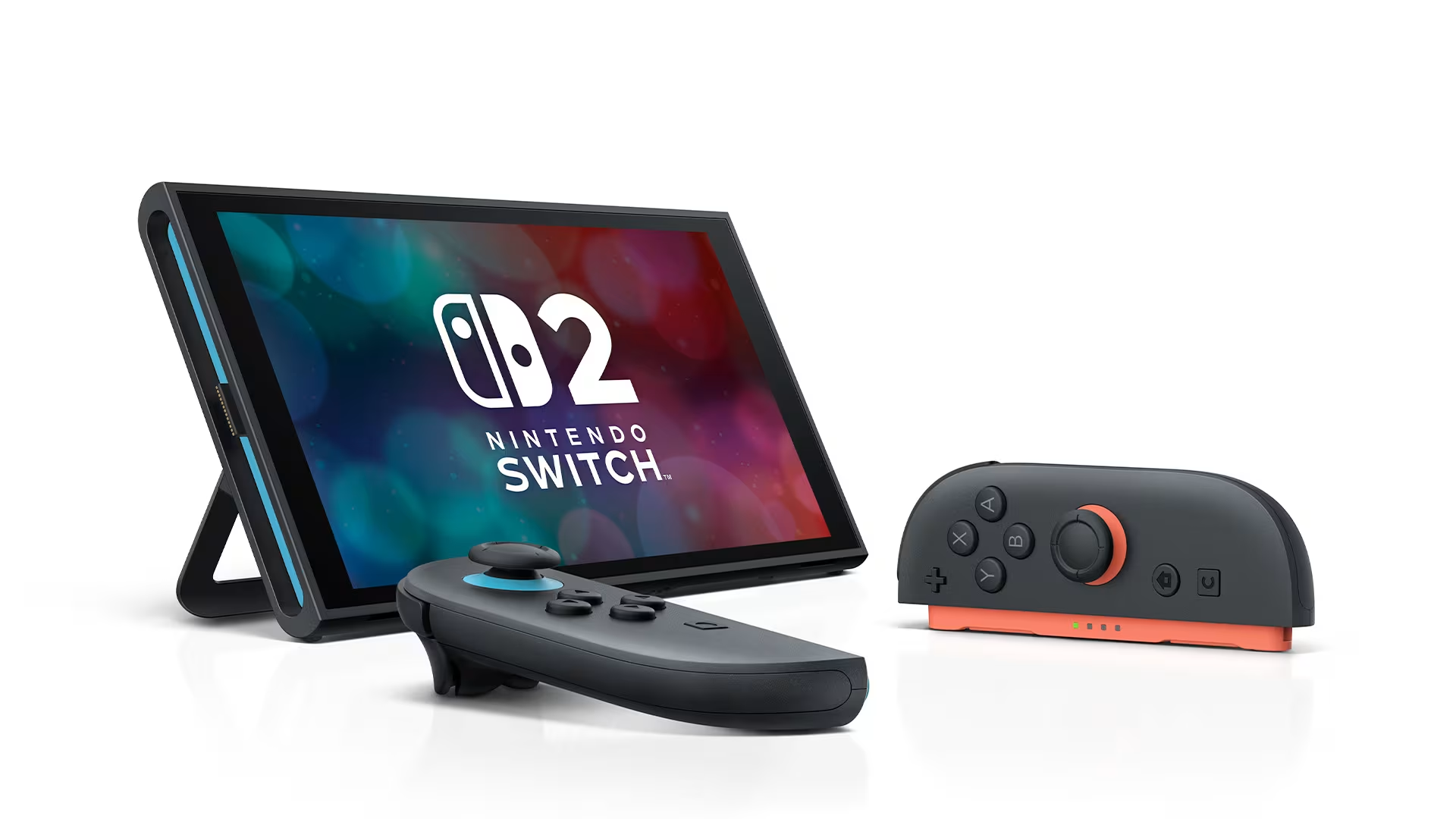
If the library is primarily first-party Nintendo titles, the Switch 2 is a different device serving a different purpose, and the two can coexist. It covers what the Deck does not. The Switch 2 on Amazon US is the right purchase for that profile, not a replacement for a Deck owner.
Where to Buy
Steam Deck OLED on Amazon US (512 GB and 1 TB listings available). The 1 TB is the recommended configuration for 2026 buyers.
FAQ
Is the Steam Deck OLED worth buying in 2026? The Steam Deck OLED is worth buying in 2026 for PC library owners who want a capable handheld without a streaming dependency. The 50 Wh battery, OLED panel, and SteamOS platform have all held up across twelve months of real use. Competition from the ROG Ally X and the Switch 2 has not made the Deck obsolete: it remains the strongest option for the large majority of the Steam catalogue at sensible TDP settings. Buyers who prioritise Nintendo exclusives or demanding AAA fidelity should look at the Switch 2 and ROG Ally X respectively.
How long does the Steam Deck OLED battery last in real use? Battery life depends on TDP setting more than any other factor. At 6W TDP (Hades II, Stardew Valley), the battery delivers around 5.5 hours: enough for most commutes on a single charge. At 10W TDP for titles like Persona 5 Royal, expect 4 to 4.5 hours. At 15W for demanding games, the figure drops to 2 to 2.5 hours. Per-game TDP profiles via Decky Loader’s SimpleDeckyTDP plugin are the practical step that makes these numbers consistent rather than variable.
Does the Steam Deck OLED have stick drift problems? The Steam Deck OLED uses Hall effect sensors in its analogue sticks rather than traditional potentiometers, making it substantially more resistant to dead-zone drift. After twelve months of regular use across varied genres, no drift has developed. The sticks show surface wear, which is cosmetic; the sensors remain accurate. This is a real hardware advantage over devices using potentiometer sticks, where dead-zone creep commonly develops within one to two years of heavy use.
How does the Steam Deck OLED compare to the ROG Ally X a year on? The two devices have settled into different profiles. The Deck suits a Steam-heavy library and the 4 to 12W TDP range where the OLED battery advantage is strongest, with SteamOS providing a polished closed-loop experience. The ROG Ally X suits buyers who need higher sustained performance, Game Pass access, or the Windows ecosystem. The 2026 handheld comparison covers both in full.
Should I buy the 512 GB or 1 TB Steam Deck OLED? The 1 TB is the one to buy for a 2026 purchase. Modern game file sizes fill 512 GB quickly: a handful of AAA installs and a dozen mid-size titles push past the ceiling fast, turning storage management into a recurring task. The premium for the 1 TB model is roughly equivalent to the cost of an aftermarket M.2 2230 upgrade, so buying the larger SKU at retail is the cleaner option. It removes the storage constraint for at least two to three years of normal use.
Please note that some links in this article are affiliate links. If you found the coverage helpful and decide to pick up the game, or anything else for your collection, through one of those links, we may earn a commission at no extra cost to you. We use this approach instead of filling Spawning Point with intrusive display ads, and rely on this support to keep the site online and fund future reviews, guides, comparisons and other in-depth gaming coverage. Thank you for supporting the site.