If your home internet feels fine next to the router but falls apart in bedrooms, home offices, or basements, a mesh system is usually the cleanest fix. This guide focuses on practical buying decisions for US homes, prioritising stability, coverage, and sensible upgrade paths over spec-sheet bragging rights.
At a glance: our top picks
Best overall Wi‑Fi 7 mesh: Asus ZenWiFi BQ16 Pro (Wi‑Fi 7).
Best for multi‑gig fibre and wired backhaul: TP‑Link Deco BE85 (Wi‑Fi 7).
Best for simplest setup and ecosystem polish: Amazon eero Max 7 (Wi‑Fi 7).
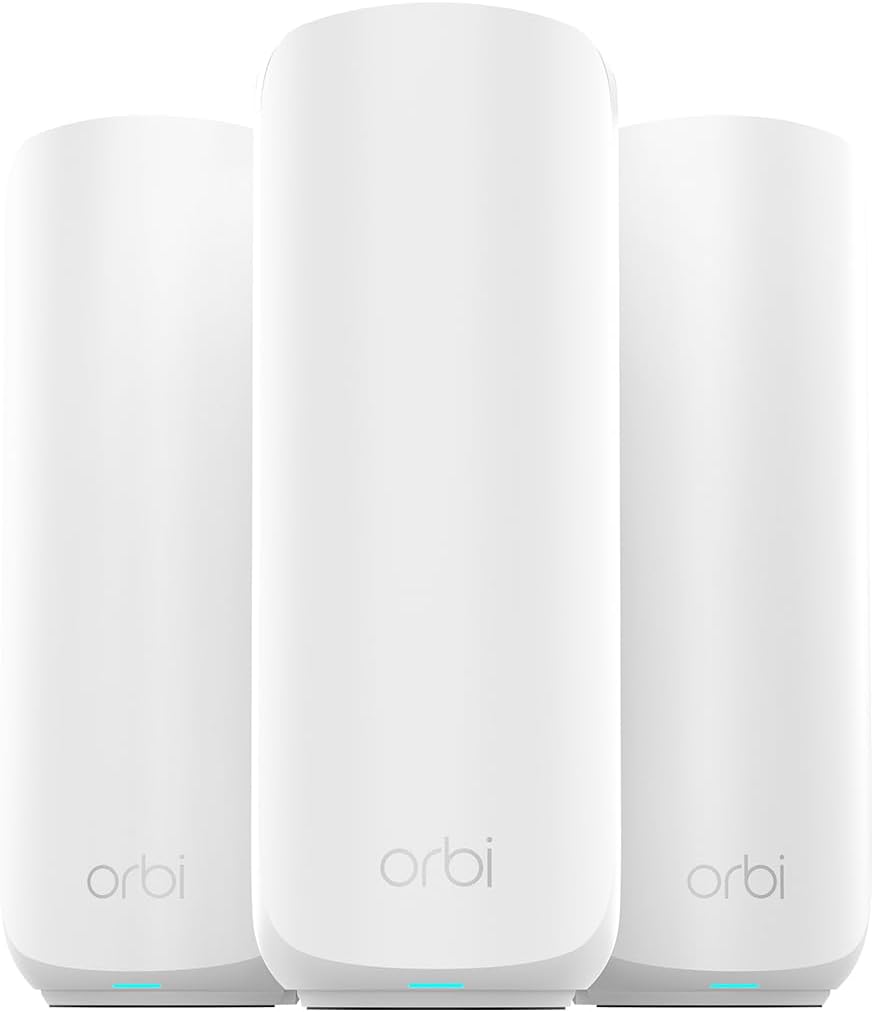
Best value if you want Wi‑Fi 7 on a budget: Netgear Orbi 370 series (dual‑band Wi‑Fi 7).
Best cheaper upgrade that still feels modern: Wi‑Fi 6E mesh with 6GHz backhaul (for many homes).
How we choose (what matters more than headline speed)
- Coverage first: number of floors, wall materials, and where you actually use Wi‑Fi.
- Backhaul options: wired Ethernet backhaul beats wireless for consistency. If you cannot run cable, look for strong dedicated backhaul or smart tri‑band designs.
- Ports that match your plan: at least one 2.5GbE port is useful if you have multi‑gig internet or a NAS.
- Real-world reliability: mature apps, sensible defaults, and good client handling can matter more than peak throughput.
- Total cost: extra nodes, security subscriptions, and replacing older devices can shift the real price.
Do you actually need Wi‑Fi 7 in 2026?
Wi‑Fi 7 can improve responsiveness and capacity by letting compatible devices use more spectrum and smarter link management. Key features commonly associated with Wi‑Fi 7 include wider channels in 6GHz, higher-order modulation (often described as 4K‑QAM), and multi-link operation, which can use more than one band to keep connections smoother when a channel is busy. However, you will only see the full benefit if your devices support Wi‑Fi 7 and you are in a region and home setup where 6GHz is usable.
When Wi‑Fi 6E is the smarter buy
If you mainly want fewer dropouts and better whole‑home coverage, a strong Wi‑Fi 6E mesh can still be the sweet spot. Many households get a bigger real-world improvement from better node placement, a cleaner 6GHz backhaul link, and wired connections for fixed devices than from chasing the newest spec.
Best mesh Wi‑Fi systems for 2026
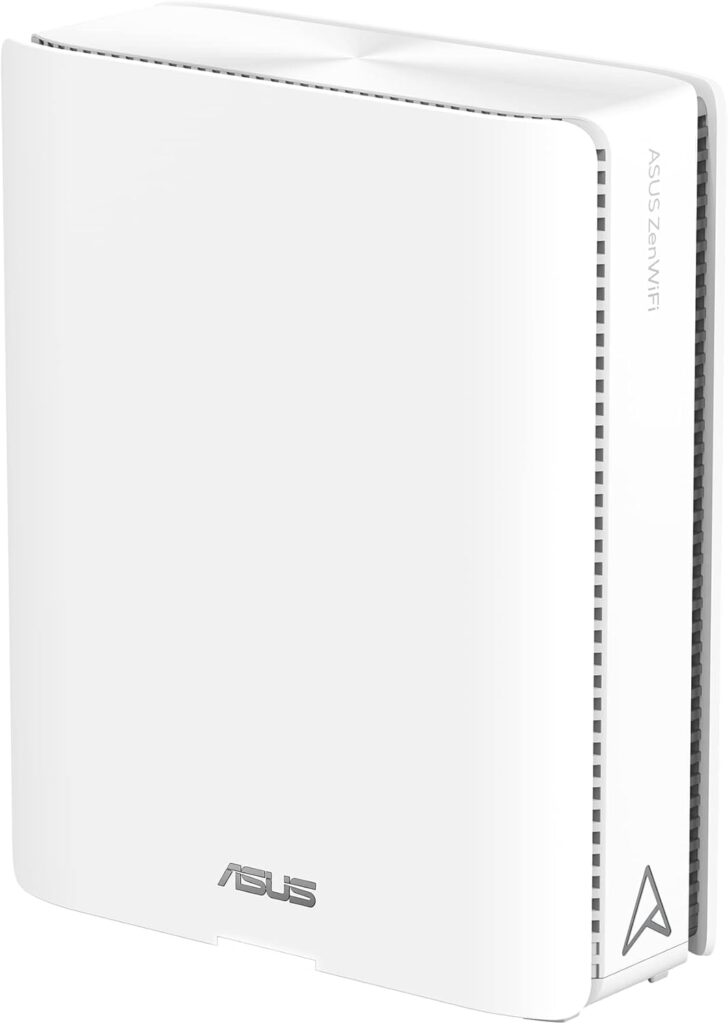
Best overall Wi‑Fi 7 mesh: Asus ZenWiFi BQ16 Pro
A strong all‑round Wi‑Fi 7 mesh option if you want a high-end system that is built for demanding households, including lots of devices and high-throughput workloads. Prioritise it if you want modern ports and the headroom to grow into faster broadband and newer Wi‑Fi 7 clients.
Good for:
- Large homes with multiple floors
- Households with lots of simultaneous streaming and gaming
- Buyers who want multi‑gig ports for wired devices
Watch outs:
- Premium pricing, especially in multi‑pack kits
- Overkill if you only have sub‑gig internet and a handful of devices
Best overall Wi‑Fi 7 mesh: Asus ZenWiFi BQ16 Pro. Check price and availability on Amazon.
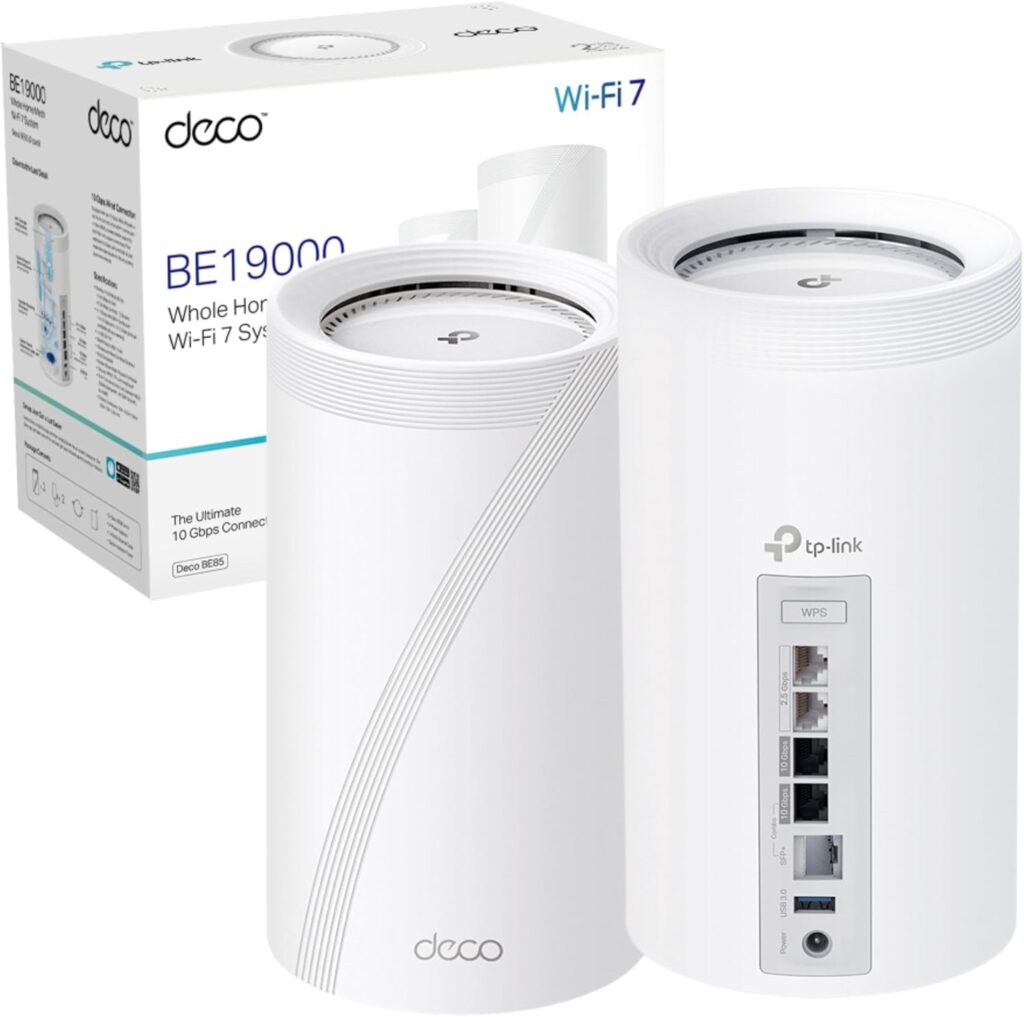
Best for multi‑gig fibre and wired backhaul: TP‑Link Deco BE85
If you have fast fibre and you care about ports, Deco BE85 is a compelling pick. It is especially attractive if you plan to use wired Ethernet backhaul between nodes, or you want a clean upgrade path for a home NAS, gaming PC, or streaming workstation.
Good for:
- Multi‑gig broadband connections
- Homes where you can run Ethernet backhaul
- Creators moving large files over the network
Watch outs:
- Make sure you buy the pack size you actually need, extra nodes can get expensive
- As with all mesh, placement still matters, do not hide nodes in cabinets
Best for multi‑gig fibre and wired backhaul: TP‑Link Deco BE85. Check price and availability on Amazon.
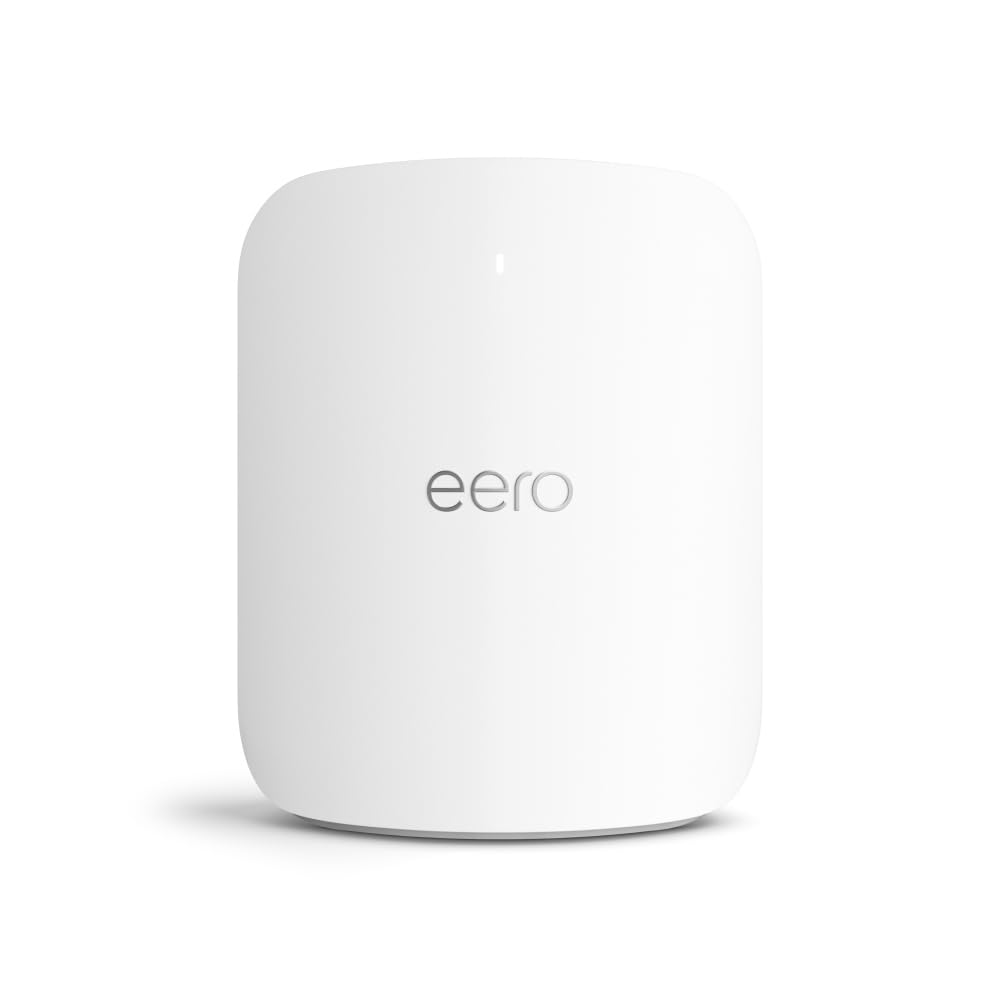
Best for simplest setup and ecosystem polish: Amazon eero Max 7
If you want mesh that is hard to mess up, eero remains one of the simplest experiences from unboxing to app setup. It is a strong choice for families who prioritise stability and convenience, and for anyone already invested in Amazon’s smart home ecosystem.
Good for:
- Households that want a smooth setup and minimal tinkering
- Smart home heavy homes where reliability matters
- Busy families who want set-and-forget networking
Watch outs:
- Advanced controls can be more limited than on enthusiast routers
- Some features may sit behind subscriptions depending on region and plan
Best for simplest setup and ecosystem polish: Amazon eero Max 7. Check price and availability on Amazon.
Best value if you want Wi‑Fi 7 on a budget: Netgear Orbi 370 series
Not everyone needs 6GHz or a monster tri‑band setup. The Orbi 370 series targets buyers who want a cheaper step into Wi‑Fi 7, with a focus on coverage and modern client handling rather than chasing the highest possible throughput.
Good for:
- Bigger homes on a budget
- People upgrading from older Wi‑Fi 5/Wi‑Fi 6 routers
- Homes that care more about coverage than peak speed
Watch outs:
- Dual‑band designs can struggle more with heavy congestion than tri‑band systems
- Netgear subscription add-ons can increase total cost if you want extra security features
Best value if you want Wi‑Fi 7 on a budget: Netgear Orbi 370 series. Check price and availability on Amazon.
Best value upgrade for most homes: Wi‑Fi 6E mesh (tri‑band)
If you have lots of Wi‑Fi 6 or Wi‑Fi 6E devices already, a good Wi‑Fi 6E mesh can still deliver a big jump in consistency, especially if it uses 6GHz for backhaul between nodes. This is often the most cost-effective path to fewer dead zones, without paying a premium for Wi‑Fi 7 hardware you may not fully use yet.
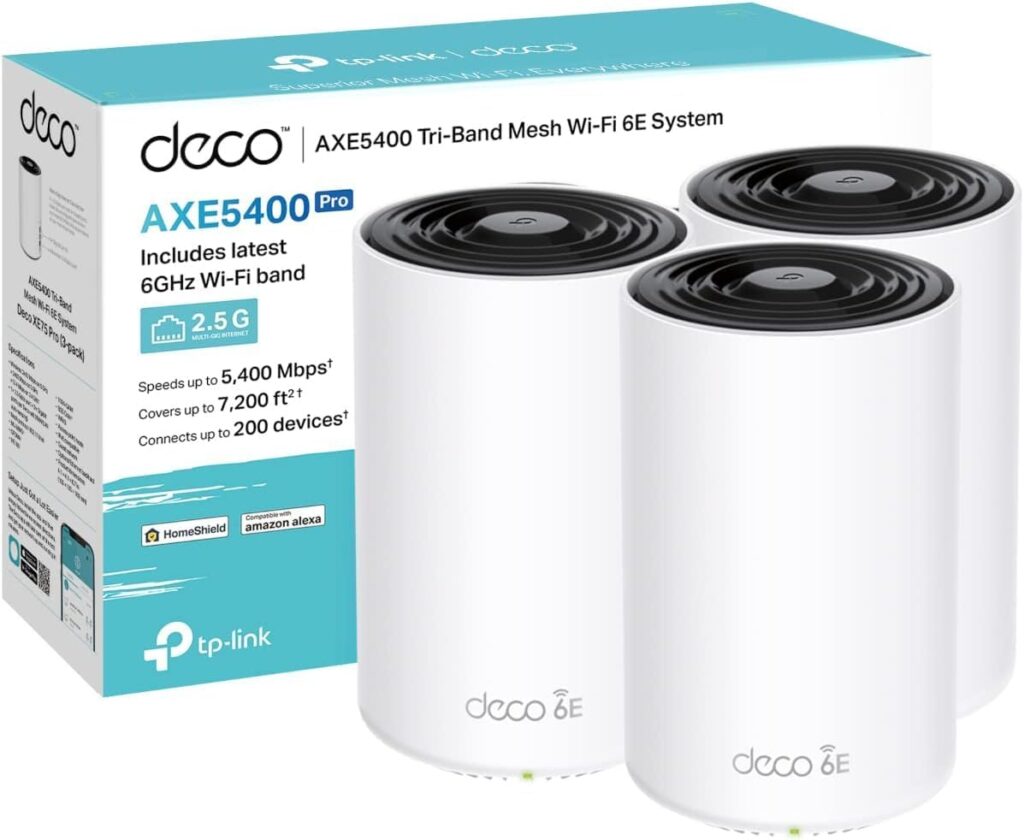
A strong starting point to research on Amazon: TP‑Link Deco XE75 Pro (Wi‑Fi 6E).
Placement tips that often matter more than the brand
- Start with the modem and main node in an open, central spot, ideally elevated, not inside a TV cabinet.
- Put the second node where you still have a strong signal, rather than at the very edge of coverage.
- If you can wire anything, wire it. TVs, consoles, desktop PCs, and workstations benefit immediately from Ethernet.
- If you have a long, narrow house, prioritise nodes down the length of the home rather than one per floor.
If mesh is not enough: wired escape hatches
Some homes are simply hostile to wireless, for example thick brick, foil-backed insulation, or lots of metal ducting. In those cases, a hybrid approach can be better than buying more nodes.
Option A: Ethernet backhaul
If you can run Ethernet, even just between two key rooms, it is the most reliable way to stabilise a mesh. A basic unmanaged gigabit switch is often all you need to feed a TV, console, and streaming box from one wall jack.
Useful add-ons on Amazon: Cat6 Ethernet cable, 8‑port gigabit switch.
Option B: MoCA (Ethernet over coax)
If your home already has coax outlets (often used for cable TV), MoCA adapters can turn that wiring into a fast, stable backbone for your mesh. It is not as universal as Ethernet, but it can be a realistic compromise when you cannot run new cable.
MoCA adapter kits to compare on Amazon: ScreenBeam MoCA adapters , goCoax MoCA adapters.
Who should skip a mesh system
- You live in a small apartment and your current router already covers every room. A better router location or a single higher-quality router might be enough.
- You only have a handful of devices and modest broadband. Spend on better placement and wired connections first.
- You need full manual control over advanced networking features. A prosumer router and access point setup may suit you better.
FAQ
Q. Should I buy a two‑pack or three‑pack?
A. Two nodes suit many apartments and smaller homes. Three nodes are more common for multi‑storey homes or layouts with a long footprint. If in doubt, plan node placement on a simple floor plan and avoid putting a node at the extreme edge of signal.
Q. Is wired backhaul worth it?
A. Yes, if you can do it. Wired backhaul usually improves stability, lowers latency, and prevents the mesh from using wireless capacity for node-to-node traffic.
Q. Will a Wi‑Fi 7 mesh improve older devices?
A. Often it can. Better radios and smarter scheduling can help overall stability, but older devices will still connect using their older Wi‑Fi standards.
Q. Do I need a multi‑gig internet plan to benefit?
A. Not necessarily. Many people notice improvements in consistency and coverage long before they saturate a 1Gbps internet connection.
Related Spawning Point guides
If you are building a setup where wired networking matters, these are worth a look: Razer Blade 18 (2025) review, Best PS5 Games of 2025.
Please note that some links in this article are affiliate links. If you found the coverage helpful and decide to pick up the game, or anything else for your collection, through one of those links, we may earn a commission at no extra cost to you. We use this approach instead of filling Spawning Point with intrusive display ads, and rely on this support to keep the site online and fund future reviews, guides, comparisons and other in-depth gaming coverage. Thank you for supporting the site.