Who this guide is for (and who should skip it)
This guide is for you if you want an Alexa setup that feels reliable day-to-day, and will not box you into a dead-end smart home standard in 2026.
It is not for you if you are all-in on Apple HomeKit, you want the strongest privacy guarantees, or you specifically prefer Google Assistant/Siri over Alexa.
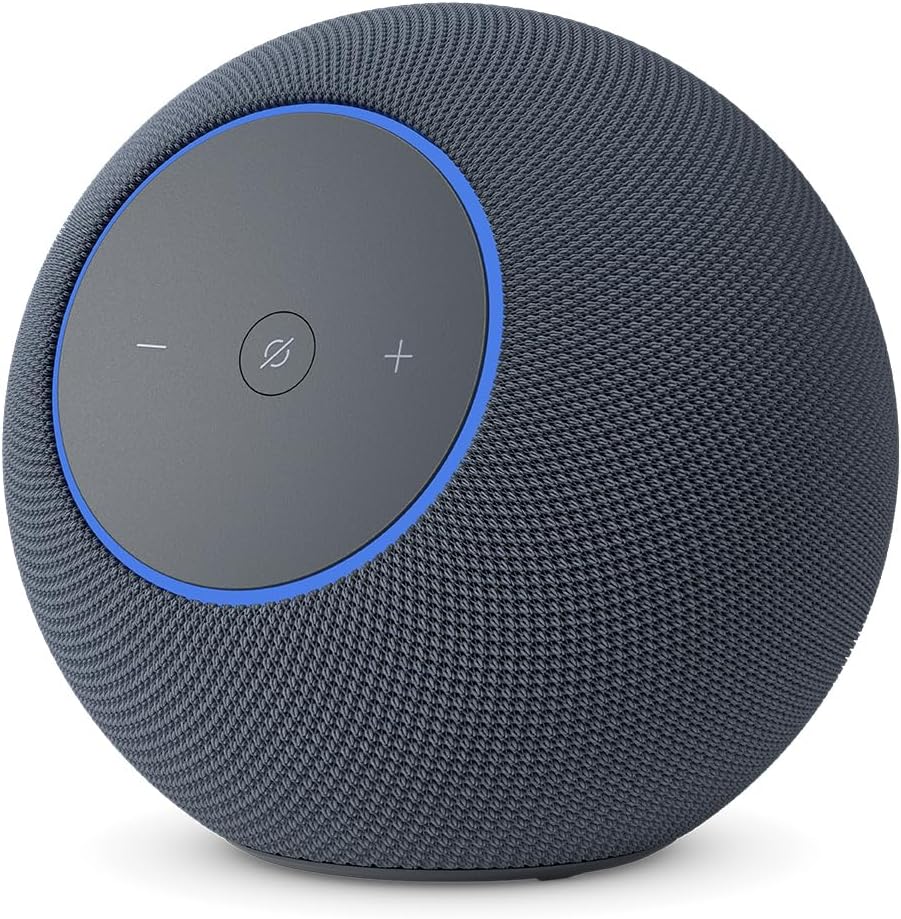
At a glance: our top picks
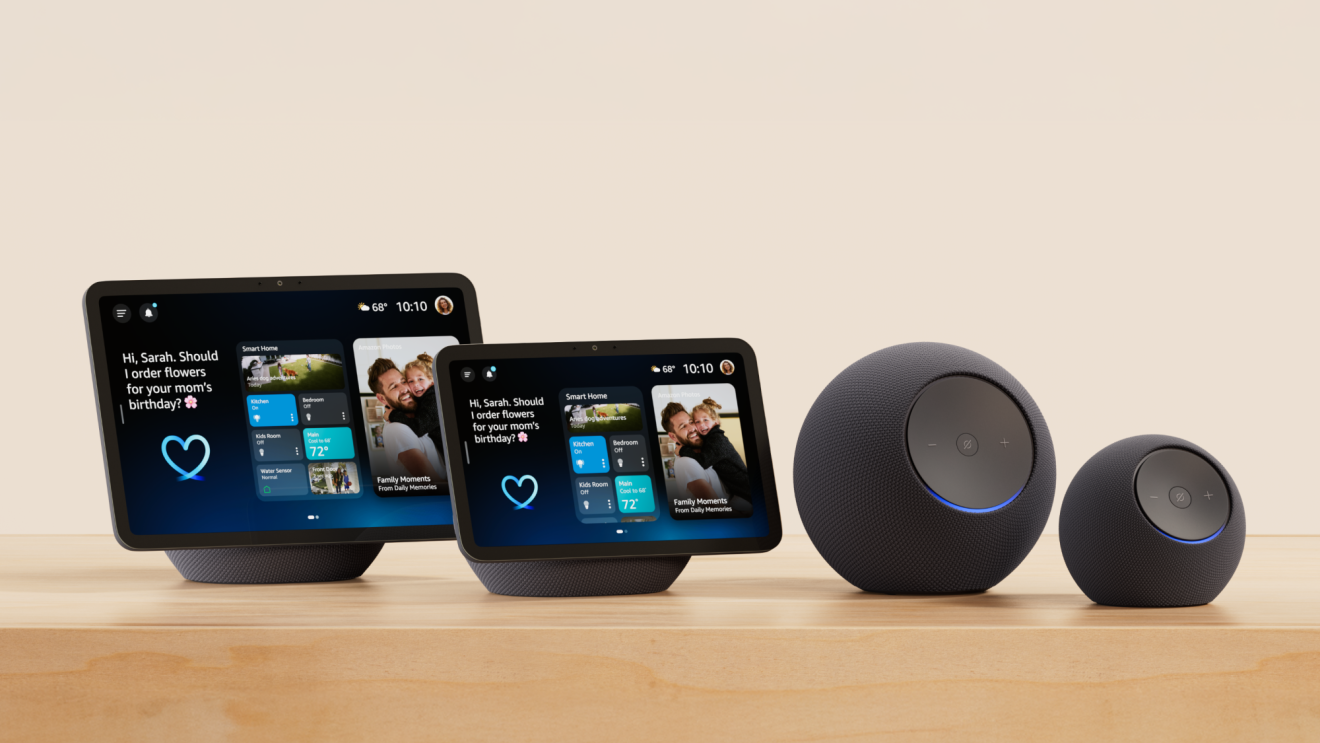
If you want Alexa to be more than a kitchen timer, buy for the smart home standards, not just the speaker. In 2026, the most future-proof Echo devices are the ones that combine:
- A built-in smart home hub (Zigbee plus Matter plus Thread), for direct device control and simpler setup.
- Thread Border Router support, if you plan to use Matter-over-Thread sensors and locks.
- Compatibility with Alexa+, Amazon’s newer AI-powered Alexa experience, if you care about the newest features.
Here are the picks, with quick links to check current pricing and variants on Amazon.
| Pick | Best for | Why it’s here | Watch-outs |
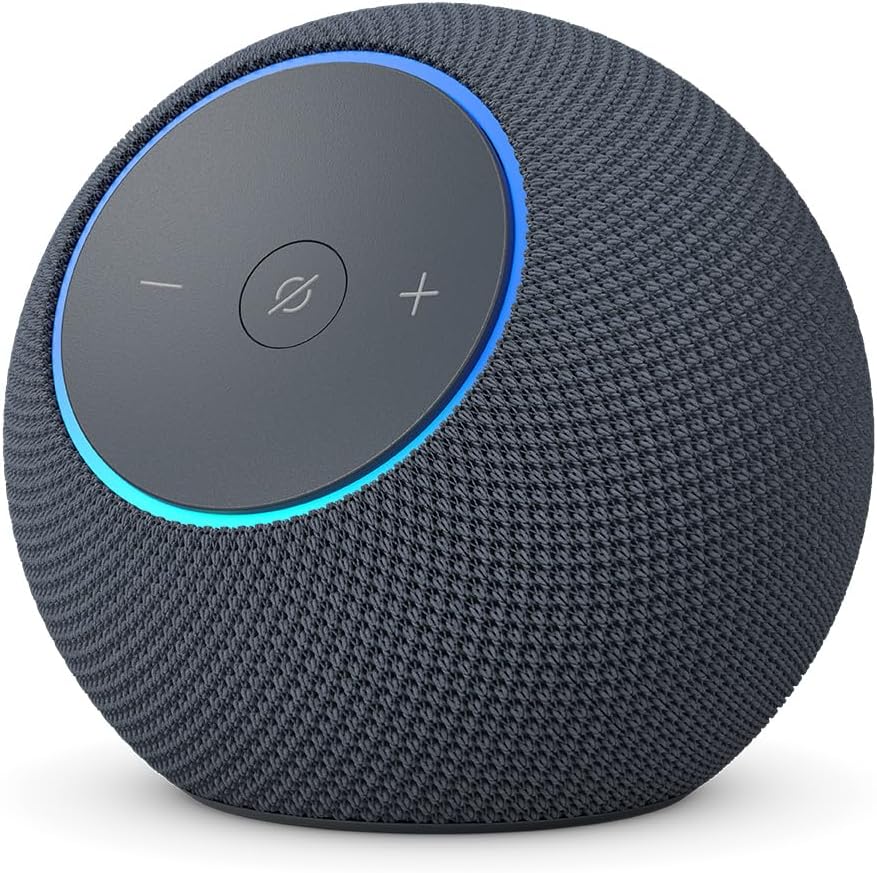
| Echo Dot Max | Most people, especially if you want a compact hub | Newer design aimed at Alexa+ and includes a built-in smart home hub with Zigbee/Matter/Thread support. | Premium for a small speaker, and it is still not a substitute for a full hi-fi setup. |
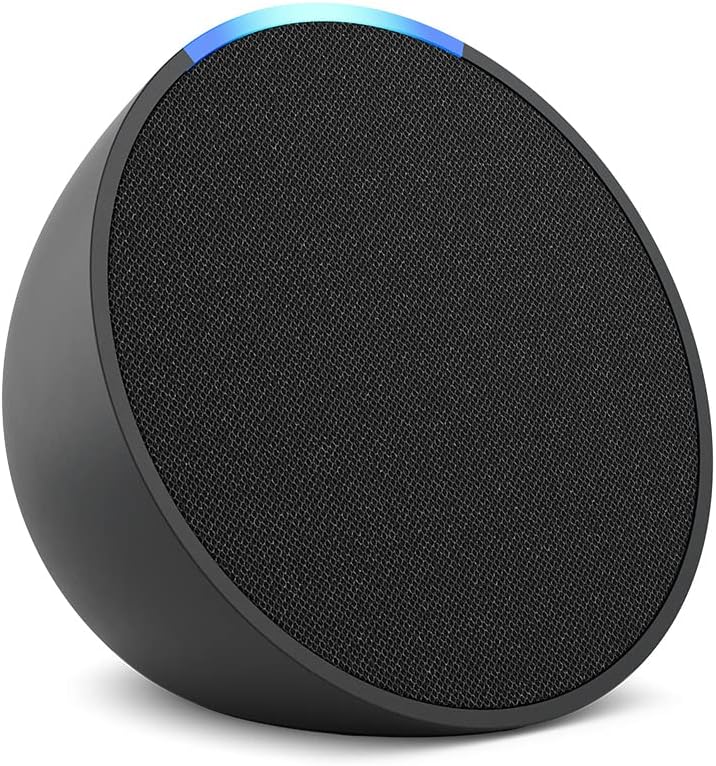
| Echo Pop | Cheapest entry point for voice control | Low-cost speaker for basic Alexa and Matter support via software update. | No built-in smart home hub, so it is best for Wi‑Fi devices or homes with another hub. |
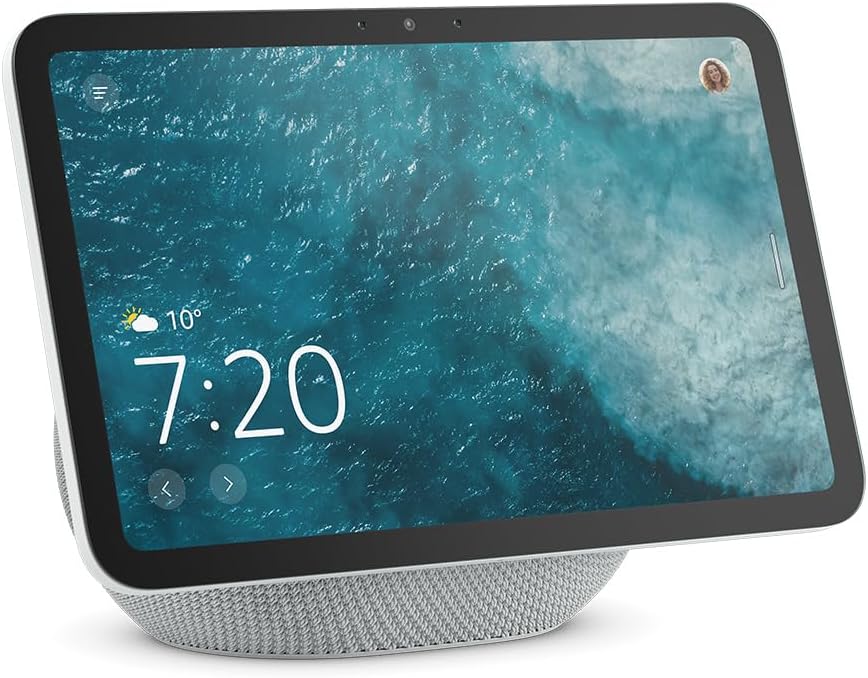
| Echo Show 8 | Kitchen and living room, plus a serious smart home hub | Newer models add Zigbee/Matter/Thread hub features, and better hardware for responsiveness. | Check privacy features and camera controls before you buy. |
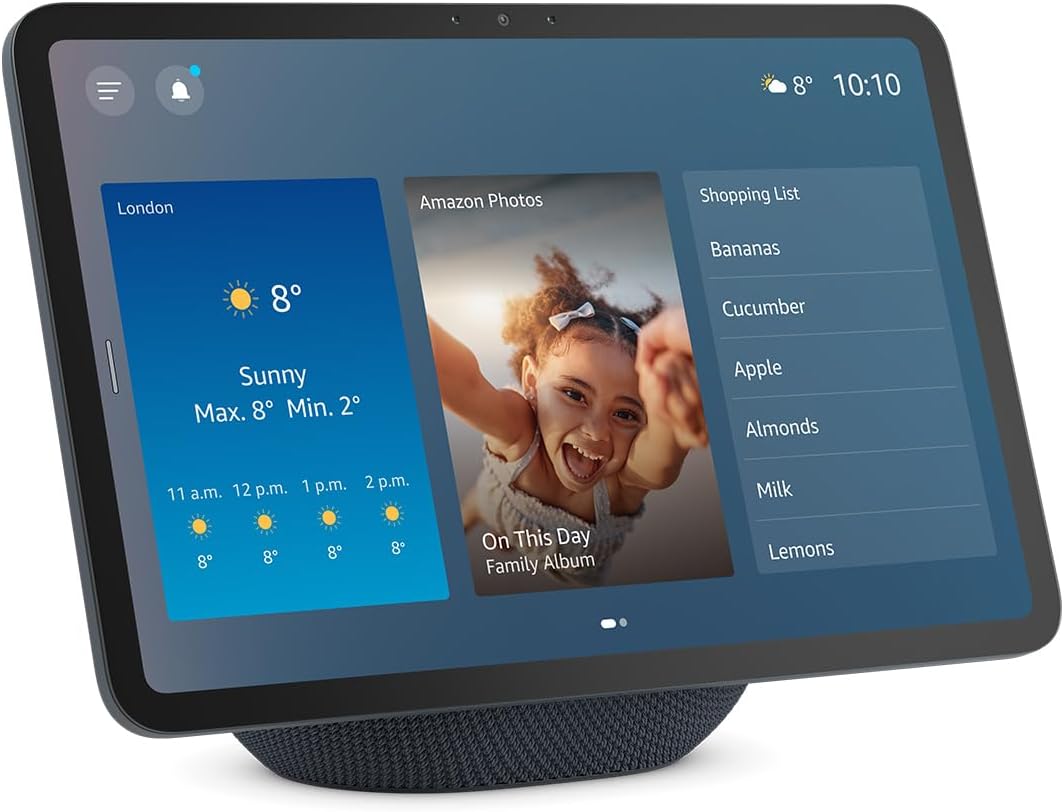
| Echo Show 11 | Bigger display without going wall-mounted | Larger Full HD screen, built-in hub features, and positioned for Alexa+. | Takes up real space on a counter, and it costs more than the Show 8. |
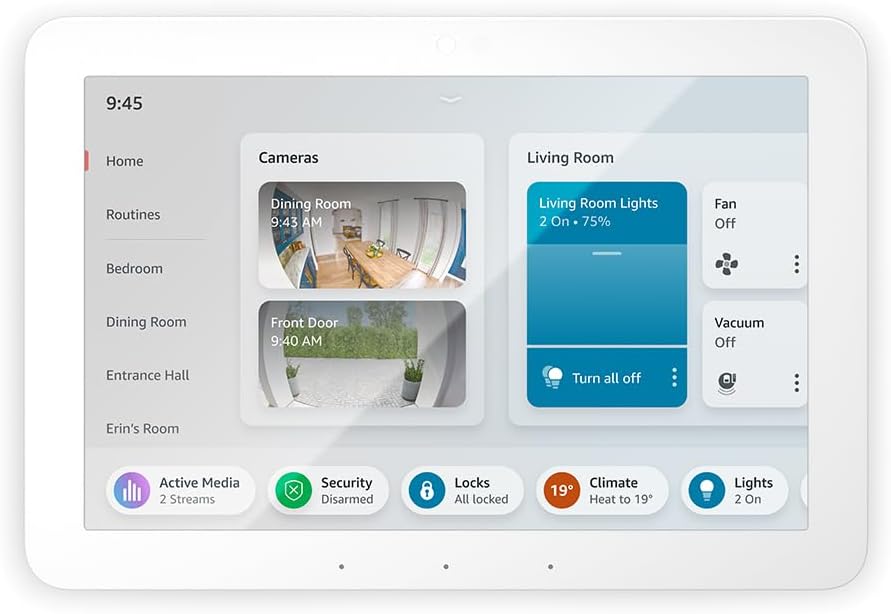
| Echo Hub | Wall panel smart home control | Purpose-built dashboard for lights, cameras, routines and rooms, with hub radios built in. | Not an entertainment-first screen, so it is less compelling as a bedside device. |
| Echo Studio | Best sound in the Echo line | Premium speaker with spatial audio ambitions and new hardware in the latest refresh. | Overkill if you only want voice control and multi-room audio. |
Quick links (Amazon)
These links are Amazon search or product pages so you can pick the right colour/bundle.
- Echo Dot Max deals and bundles
- Echo Pop deals and bundles
- Echo Show 8 deals and bundles
- Echo Show 11 deals and bundles
- Echo Hub (smart home control panel)
- Echo Studio deals and bundles
What changed for Alexa in 2025/2026
The big 2026 buying mistake is treating Alexa like a single gadget. The platform is changing, and the smartest purchase is the one that matches your home’s smart home standards and your appetite for Alexa+ features.
- Alexa+ is rolling out through an Early Access programme in the US. Amazon says that when Early Access ends, Alexa+ will be a free Prime benefit, and non-Prime customers can subscribe for $19.99/month.
- Alexa+ works on most Echo devices, but several older generations remain on the original Alexa. If you are buying new in 2026, it is usually worth avoiding those end-of-line models.
- Amazon is leaning harder into smart home standards such as Matter, plus Thread and Zigbee for local device control. That makes devices with hub radios and/or Thread Border Router support more future-proof than a basic speaker alone.
- Not all Alexa+ features and services arrive at once, so plan for a platform that evolves over months, not a one-and-done feature set.
How to choose: speaker vs display vs wall panel
Most people should decide based on two questions:
1) Do you want a screen? If you cook a lot, video call, or want a dashboard for cameras and lights, an Echo Show is usually worth it.
2) Do you want to build a smart home that lasts? If yes, prioritise a model with a built-in hub (Zigbee/Matter/Thread) or at least Thread Border Router support.
Compatibility checklist (read this before buying)
Tick the boxes that match your home, then choose the device category that fits.
- I want to control smart devices locally, not only through cloud skills. Prioritise a built-in smart home hub (Zigbee) and Matter support.
- I plan to buy Matter-over-Thread devices (sensors, locks). Make sure you have a Thread Border Router somewhere in your home.
- I want Alexa+ features as they roll out. Avoid the older Echo generations that will stay on original Alexa.
- I need a screen for recipes, calendars, cameras, and widget-style control. Choose an Echo Show.
- I want a dedicated wall panel for smart home control. Choose Echo Hub, and keep a small Echo speaker nearby for voice.
- I care most about sound quality. Choose a larger speaker, then add a display only if you will use it.
Smart home standards in plain English: Matter, Thread and Zigbee
Matter is an IP-based smart home standard designed to make devices work across platforms. For many devices, Matter can let them connect locally to Alexa without a separate vendor skill, which can reduce latency and improve reliability.
Thread is a low-power mesh network used by many battery-powered devices. To use Matter-over-Thread kit, you need a Thread Border Router, which bridges Thread devices onto your home network. Some Echo and eero products include that Border Router functionality.
Zigbee is another mesh standard used by many smart bulbs and sensors. Certain Echo devices can act as a Zigbee hub, supporting Zigbee versions 1.2 and 3.0.
Top picks for 2026
Best overall: Echo Dot Max
If you want a single Alexa device that can act as a compact speaker and a smart home control centre, the Echo Dot Max is the most straightforward buy. It is designed for Amazon’s newer Alexa+ experience and includes a built-in hub supporting Zigbee, Matter and Thread, which makes it a strong foundation for a mixed-brand smart home.
It will not replace a proper hi‑fi system, but it is a cleaner, more future-proof buy than picking the cheapest Echo and then discovering you need extra hubs later.
Best budget: Echo Pop
If you just want a cheap voice-controlled speaker for music, timers, and basic smart home control, Echo Pop is the simplest low-cost option. It supports Matter (via software update), so it can be a good match for straightforward Wi‑Fi smart plugs and bulbs.
The big compromise is hub features. If you are planning sensors, locks, and a broader smart home, you may outgrow it quickly.
Best smart display for most homes: Echo Show 8
The Echo Show 8 is a sweet spot if you want a screen for recipes, video calls, and a glanceable smart home dashboard. Recent models are positioned as proper smart home hubs, with Zigbee, Matter and Thread Border Router support listed for the 3rd-generation model, and the newer 2025 generation adds updated hardware aimed at smoother Alexa performance.
If your smart home plan includes Thread devices, a Show 8 can do double duty as your screen and your Thread Border Router, which simplifies setup.
Best bigger display: Echo Show 11
If you like the idea of a Show 8 but want more screen area for camera feeds, widgets, and media, the Echo Show 11 is the logical step up. Amazon positions it with a built-in smart home hub and the newer AZ3 Pro-class hardware, which is part of its Alexa+ push.
Best wall-mounted controller: Echo Hub
Echo Hub is the best way to get a proper, always-on smart home control panel without turning a tablet into a DIY project. It is designed around a widget dashboard for rooms, routines, and camera views, and it supports Zigbee, Thread and Matter devices via its built-in hub radios.
This is the pick for households where smart home control needs to be obvious and shared, not buried inside one person’s phone.
Best for sound: Echo Studio
If you care about music and want the best audio Amazon offers in the Echo line, Echo Studio is still the one to beat, and Amazon refreshed it again for its Alexa+ era. It is also part of the small group of Echo products that can double as a Thread Border Router for Matter-over-Thread devices.
For most homes, one Studio in the main room plus cheaper Echos elsewhere is the most sensible way to balance sound quality and cost.
If you are building a smart home in 2026: what to prioritise
If you want lights, sensors, locks, and routines that work reliably, choose your first Echo like you are choosing a hub. In practice that means:
- Pick at least one device with Zigbee/Matter/Thread support (Echo Dot Max, Echo Show 8/11, Echo Hub, Echo Studio and some larger Echo models).
- If you are buying Thread devices, make sure you have a Thread Border Router in the house.
- Consider where you will actually control things. A wall panel in a hallway often gets used more than a display in a back room.
Alexa+ compatibility: don’t get caught out
Alexa+ support is not universal across older Echo hardware. Some early generation Echo speakers and Echo Shows are not compatible, even though they still work as standard Alexa devices. If you specifically want the newer Alexa+ capabilities, buy hardware that is explicitly listed as compatible.
Examples of older Echo devices that Amazon says will continue to use the original Alexa include:
- Echo Dot (1st Gen)
- Echo (1st Gen)
- Echo Plus (1st Gen)
- Amazon Tap
- Echo Show (1st Gen)
- Echo Show (2nd Gen)
- Echo Spot (1st Gen)
If you are shopping used or clearance, double-check the listing generation and compare against Amazon’s current compatibility notes in the Sources section.
If you already own Echos, check your devices in the Alexa app and decide whether you want to upgrade one central device (your hub) or refresh the whole house over time.
Privacy and security basics (quick, practical)
If you are putting microphones and, in some cases, cameras into your home, treat privacy as part of the buying decision:
- Use the physical mic mute button on Echo speakers when you do not need voice control.
- For Echo Shows, check the camera controls and whether the model includes a physical shutter.
- Review and delete your Alexa voice history in the Alexa app, and consider enabling automatic deletion so recordings do not build up over time.
FAQs
Q. Do I need an Echo with Zigbee if I’m using Matter?
A. Not always. Many Matter devices can connect directly to Alexa without a separate hub or skill, but Zigbee support can still be useful for certain bulbs and sensors. If you are unsure, buying one ‘hub class’ Echo gives you flexibility.
Q. What is the difference between Matter-over-Wi‑Fi and Matter-over-Thread?
A. Both use Matter as the standard, but Thread is designed for low-power mesh devices like sensors. If you want Thread devices, you need a Thread Border Router somewhere in your home.
Q. Is Alexa+ worth paying extra for?
A. If you mainly use Alexa for timers, weather, and turning lights on and off, standard Alexa is already fine. Alexa+ becomes more interesting if you want more natural language commands and more ambitious tasks, but you should still buy for smart home reliability first.
Q. Can I use Alexa devices with Apple Home or Google Home?
A. Matter makes cross-platform device compatibility easier, but your experience depends on each device and ecosystem. If you care about multi-ecosystem setups, prioritise Matter and Thread compatibility and keep your automations as local as possible where you can.
Related Spawning Point tech coverage
If you’re interested in where consumer AI is heading, these are useful context reads on Spawning Point:
- AI Analysis: What AI gadgets get wrong about consumers’ needs
- AI Analysis: Why Google AI Overview failed
- More tech articles on Spawning Point
Key features that matter in 2026 (and what they mean)
1) Built-in smart home hub radios
If you buy only one higher-end Echo device, make it one with hub radios. It reduces the number of separate bridges and dongles you need, and it tends to make automations feel less fragile.
Look for devices that list Zigbee, Matter and Thread support. Amazon’s newer Alexa+ era devices lean into this combination, and Amazon’s own developer documentation treats Thread Border Routers as the key requirement for Matter-over-Thread devices.
2) Thread Border Router support
Thread matters most if you plan to add battery-powered sensors (temperature, door/contact, motion) and some smart locks. Without a Border Router, those devices cannot join your network over Thread.
If you already have a Thread Border Router from another ecosystem, you may not need one in your Echo, but having one built into an Echo device is a simple way to avoid compatibility surprises.
3) Alexa+ compatibility and ‘good enough’ performance
If your household uses Alexa in a basic way, you do not need to optimise for Alexa+ at all costs. But if you are buying new hardware in 2026, it is usually sensible to choose a model that is clearly compatible, simply because it is likely to get more active feature development.
Room-by-room recommendations
This is a practical way to buy Echos without overthinking it.
- Kitchen: Echo Show 8 (or Show 11 if you want a bigger screen). A display is genuinely useful for timers, recipes and quick camera checks.
- Living room: Echo Dot Max for general use, or Echo Studio if music is a priority. If you have a Fire TV, consider whether you want an Echo-based surround setup.
- Bedroom: Echo Pop or an Echo Dot variant if you want basic voice control. If you want a smart home hub in the bedroom, use a Dot Max.
- Hallway/entry: Echo Hub if you want shared, tap-first smart home control for lights and cameras.
- Home office: Echo Pop or Dot for voice, plus a smart plug for desk lamp control. Keep it simple.
Three starter kits (shopping lists)
Each kit is designed so you can buy once and expand later without replacing your first Echo.
Starter kit A: cheapest voice control
Best for: renters, students, or anyone who just wants music and basic voice control.
Starter kit B: smart home foundation (most recommended)
Best for: anyone who expects to add sensors, locks or routines over time.
Starter kit C: control panel plus cameras
Best for: families, shared homes, and anyone who wants smart home control to feel obvious and shared.
Other strong options (depending on your setup)
If our top picks do not quite match your use case, these are the next devices I would look at.
- Echo Dot (5th Gen) with clock: A good bedside choice if you want a clock display and a compact footprint.
- Echo Show 15: If you want a bigger, more shared family dashboard than a Show 11, and you have the wall space.
- Echo Auto: If you want Alexa in an older car, but your phone already does navigation and music. Keep expectations realistic.
What we deliberately did not recommend
Cornerstone guides are as much about what to skip as what to buy. In 2026, I would think twice before spending money on:
- Very old Echo generations if you care about Alexa+ and long-term updates.
- Cheap ‘Alexa compatible’ devices with unclear support, especially if they do not mention Matter support and rely on obscure apps.
- Overbuying on speakers in rooms you rarely use. A single good hub device plus one or two cheaper speakers is usually the value play.
Please note that some links in this article are affiliate links. If you found the coverage helpful and decide to pick up the game, or anything else for your collection, through one of those links, we may earn a commission at no extra cost to you. We use this approach instead of filling Spawning Point with intrusive display ads, and rely on this support to keep the site online and fund future reviews, guides, comparisons and other in-depth gaming coverage. Thank you for supporting the site.